Updated on 1/14/2026
I have been working very hard over the last four and a half months to learn Revit. I enrolled in courses with VDCI (Virtual Design & Construction Institute). To date, I have completed the BIM 101 beginner course, the BIM 201 intermediate course, and the BIM 322 Revit Plumbing course. I earned an “A” grade in each of the three courses. My Certificates of Completion and my grades for each course can be seen here: BIM 101, 201, and 322 grades and certificates. In addition, my credentials for completing VDCI’s BIM 101 and BIM 201 courses can be seen here: https://www.credential.net.
The drawings that I made of a 2-story office building as my final submission for the BIM 201 course can be seen here: 2-story office building drawings.
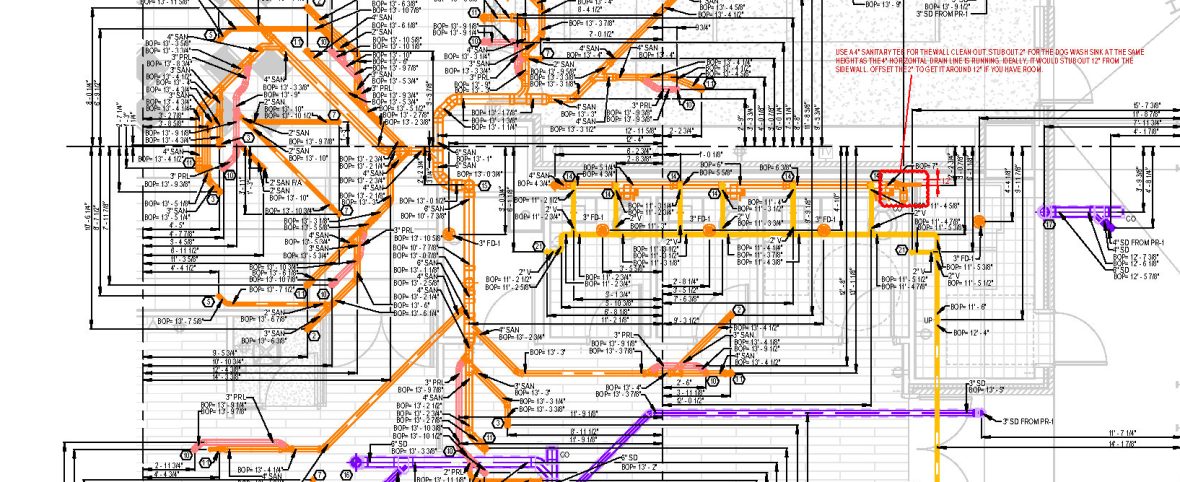
The plumbing drawings that I made of a 2-story school as my final submission for the BIM 322 course can be seen here: BIM 322 course – Plumbing drawings. I also made a video that shows the drawings and the 3D model. It can be seen here: Video of my BIM 322 course plumbing drawings.
I took notes and wrote descriptions for each of the 239 tutorial videos that I watched and followed along with in the 3 Revit courses that I’ve taken. My notes consist of 30 pages and 19,511 words. If you are interested in seeing what I’ve learned, you can see my notes here: My Revit notes.
I’ve spent many, many hours over the last several weeks working to create a Revit plumbing template that works really good. It pretty much has all of the basic items in it that would be needed for drawing the plumbing in most types of commercial buildings. Video of my Revit plumbing template can be seen here: Video of my Revit plumbing template.
If you’d like to download my template for your own personal use, or if you’d just like to check it out, you can download it here (note that you have to have Revit): Download Revit plumbing template. I had to take some extra steps to create a template that was sharable. Revit eTansmits models, but not templates. I’m pretty sure that the template should work for you. I’d love to get feedback from anybody that does download it.
I installed the best-working families into the template that I could find. I spent countless hours scouring the internet to locate the best families. But there are still some ‘glitches’ with some of the families anyway. I wrote some notes that explain those glitches, and the fixes/workarounds that make them work. If you download the template, you’ll probably also want to download my notes too. You can download my notes here: Glitches and fixes for my Revit plumbing template.
I am enrolling in VDCI’s BIM 361 Introduction to Navisworks course in the next few days. It’s supposed to take 3 – 4 weeks to complete.
I believe that I have a lot that I can offer to a company with my 40 years of experience of installing plumbing. I have designed plumbing systems in the field for decades before BIM ever existed. I am a licensed Master Plumber, and I know the Plumbing Code. I also know the most efficient ways to design plumbing systems, saving labor and material on projects. And I know how plumbers would want to install the systems.
To be continued as I complete more courses…
 David Stauffer